

What Is a Workday Hub and How It Compliments Your Dashboards
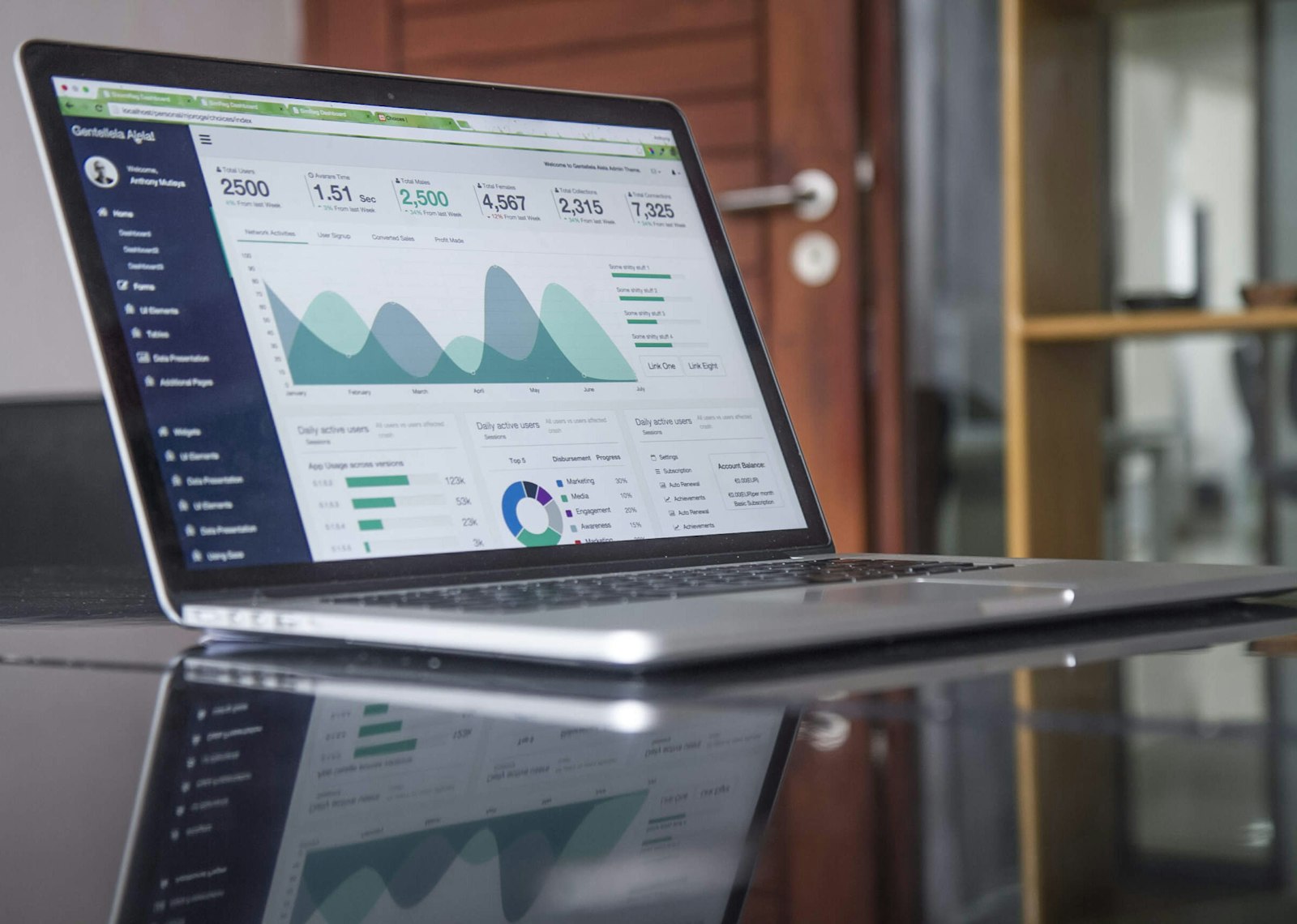
Workday Hubs: A Practical Guide to Centralizing Your Workday Experience
Workday Hubs are one of the most underused features in post-go-live tenants — and once you understand how they work, it's hard to imagine going back. If your team is still jumping between dashboards, worklets, and menus in Workday, let’s call it what it is: friction.
And over time, that friction adds up. Slower decisions. Lower adoption. Frustrated managers.
That’s exactly why more organizations, especially those investing in Workday optimization consulting, are shifting toward a better model: Workday Hubs.
Hubs aren’t just a UI improvement. They’re part of a broader shift toward Workday system optimization, where the focus moves from what the system can do to how people actually use it.
Because here’s the reality: going live with Workday is just the beginning. What really matters is what happens after.
So What Is A Workday Hub?
A Workday Hub is a centralized, role-based workspace that brings together everything a user needs (tasks, reports, dashboards, and resources) into one place.
Instead of navigating across multiple pages, users land in a hub designed specifically for how they work.
Think of it as:
- A command center for employees and managers
- A more modern, intuitive layer on top of dashboards—not a full replacement
- A key component of Workday tenant optimization
For a manager, that might mean approvals, team insights, and key actions—all surfaced in one clean view. No digging required.
.

Why Leaders Are Rethinking (not replacing) Dashboards
Traditional dashboards got us this far, but they weren’t built for how teams operate today.
This is usually the point where Workday platform owners start asking a different question:
“Did we implement Workday… or did we actually optimize it?”
Because while implementation gets you live, it rarely gets you to efficiency.
And to be clear: Workday Hubs don’t eliminate dashboards entirely. They complement them.
Dashboards still play a critical role in analytics and reporting. What hubs do is bring those insights into a more modern, user-friendly experience, so people can actually act on them.
Some dashboards may go away over time. Others will absolutely stick around.
The shift isn’t about replacing dashboards, it’s about making them more usable and actionable,
The Issue With Dashboards Alone
- Too many clicks to complete simple actions
- Information scattered across multiple views
- Limited personalization by role
- Low adoption outside of power users
This is exactly what organizations uncover during a Workday health check.
The system works....but not in a way that feels intuitive or efficient for the people using it every day.
Why Hubs Are Gaining Momentum
Workday Hubs flip the experience. Instead of asking users to adapt to the system, the system adapts to them.
Organizations investing in Workday managed services and Workday application management services are increasingly prioritizing hubs because they:
Simplify Navigation
Everything lives in one place—fewer clicks, less confusion.
Improve Adoption
When Workday is easier to use, people actually use it.
Deliver Role-Based Experiences
Executives, HR leaders, and platform owners each get what matters most to them.
Enable Faster Decisions
Insights (often from dashboards) and actions live side by side—no switching contexts.
Support Long-Term Optimization
Hubs are a foundational part of Workday system optimization, especially after go-live.
What Makes Workday Hubs So Powerful?
Hubs aren’t just a different layout, they’re a smarter way to structure work.
Here’s what makes them effective:
- Quick access to common tasks and reports
- Visual, intuitive layouts using cards and sections
- Customization by role or function
- Embedded dashboards and analytics in a more accessible UI
- Integration with dashboards, reports, and external tools
- Pre-built hub options like Manager Insights and HR Partner
Done right, they reduce friction without removing the underlying reporting capabilities teams still rely on.

The Catch: Where Hubs Fall Short
Here’s where things often go sideways.
While the concept of a hub is simple, building an effective one isn’t automatic.
Common challenges include:
- No clear purpose or ownership
- Overloading the hub with too much content
- Poor layout or user experience
- Misaligned or underdeveloped security models
- Recreating old dashboards instead of rethinking workflows
And this is a big one: hubs are only as effective as the security model behind them.
Because hubs are inherently role-based, everything—from what users see to what they can act on—depends on having clean, intentional security in place.
If the security model is messy or inconsistent, the hub experience will be too—no matter how polished it looks on the surface.
This is where Workday optimization consulting becomes critical.
Because building a hub is easy. Building one that actually improves how people work—that’s where experience matters.
Where Hubs Fit In A Post Go Live Strategy
If you’re already live on Workday, this is where the real opportunity starts to show up.
Most organizations hit a point where things feel… clunky.
- Processes take longer than expected
- Users rely on workarounds
- Adoption stalls
- Reporting feels harder than it should
That’s the gap between implementation and optimization.
And it’s exactly where services like:
- Workday post go-live support
- Workday tenant optimization
- Workday system optimization
start delivering real value.
For many teams, traditional support models don’t go far enough, which is why more organizations are exploring flexible Workday application management services that focus on continuous improvement, not just maintenance.
A More Practical Approach To Workday Optimization
Not all AMS models are created equal.
In many cases, organizations assume managed services will be rigid, expensive, or disconnected from how their business actually operates.
But there’s another way to approach it.
A more effective model brings in a committed team that’s worked on the client side—people who understand not just best practices, but what actually works in real-world environments.
That’s where optimization becomes practical:
- Faster alignment with business needs
- Less time explaining context
- More actionable recommendations
- Continuous, right-sized improvements
Real World Impact: What Leaders Are Seeing
When Workday Hubs are implemented thoughtfully as part of a broader optimization strategy, organizations typically see:
- Increased adoption across teams
- Faster completion of everyday tasks
- Reduced reliance on support and training
- Better visibility into key data and insights
- A more intuitive overall user experience
In short, Workday starts working the way it was always supposed to.
Want A Guide To Workday Hubs? Its Your Lucky Day.
If you’re considering Workday Hubs, having a clear approach makes all the difference.
We’ve put together a practical Workday Hub Solution Guide that walks through:
- How to define the right hub strategy
- Step-by-step configuration guidance
- Best practices for layout, security, and UX
- Testing and deployment considerations
- A checklist for retiring legacy dashboards
Download the guide to get a clear, actionable path to designing and deploying Workday Hubs successfully.
Let's Talk: Workday Optimization Strategy Session
If Workday feels harder to use than it should—or if your team has quietly worked around the system instead of with it—you’re not alone.
This is where most organizations land after go-live. The system is live… but not fully optimized.
That’s where a different approach to Workday managed services comes in.
At Syssero, we work as an extension of your team....bringing in consultants who’ve actually sat on the client side. So we don’t just know best practices… we know what works in practice.
Schedule a Workday Optimization Strategy Session to
- Identify where your current experience is breaking down
- Explore how Workday Hubs can simplify workflows
- Uncover quick wins in your Workday tenant optimization
- See what a flexible, right-sized AMS model could look like for you
No pressure—just a practical conversation about what’s possible.
FREQUENTLY ASKED QUESTIONS
What is a Workday Hub?
A Workday Hub is a centralized workspace that brings together tasks, reports, and resources into one place for easier navigation and action.
How do Workday Hubs improve adoption?
By simplifying the user experience and reducing clicks, hubs make Workday easier and more intuitive to use.
Are Workday Hubs a part of Workday optimization consulting?
Yes, they are often a key component of Workday optimization consulting, especially for improving workflows and usability post go-live.
When should we implement Workday Hubs?
Most organizations implement hubs during a Workday post go-live support or optimization phase.
Do we need ongoing support for Workday Hubs?
In many cases, yes. Continuous improvement through Workday application management services helps ensure hubs evolve with your business needs.
Do Workday Hubs Replace Dashboards?
No—hubs complement dashboards. Dashboards remain important for analytics, while hubs provide a more modern, user-friendly way to access and act on that information.
Final Thoughts
Workday Hubs aren’t just a feature, they’re a smarter way to organize work.
They don’t replace dashboards, they bring them to life in a more modern, usable way.
For organizations focused on usability, adoption, and long-term value, they offer a clear path forward.But like anything in Workday, the impact doesn’t come from the tool itself....it comes from how thoughtfully it’s implemented, and how well it’s supported by things like security, structure, and real user needs.
.svg)



.png)
A Real Conversation,
Not a Pricing Sheet


